If you're using Webflow Optimize, you’re already ahead of the game. It’s not just another testing tool—it’s a creative playground that lets your site evolve, adapt, and perform better without needing to wait weeks for engineering help.
Testing used to be something only large teams with big budgets could pull off. But now, whether you're a solo marketer or part of a scrappy growth team, Webflow Optimize makes it easy to experiment fast and often.
Let’s start with a quick breakdown of the three types of tests you can run—then we’ll walk through five real experiments you should absolutely try (and why they matter).
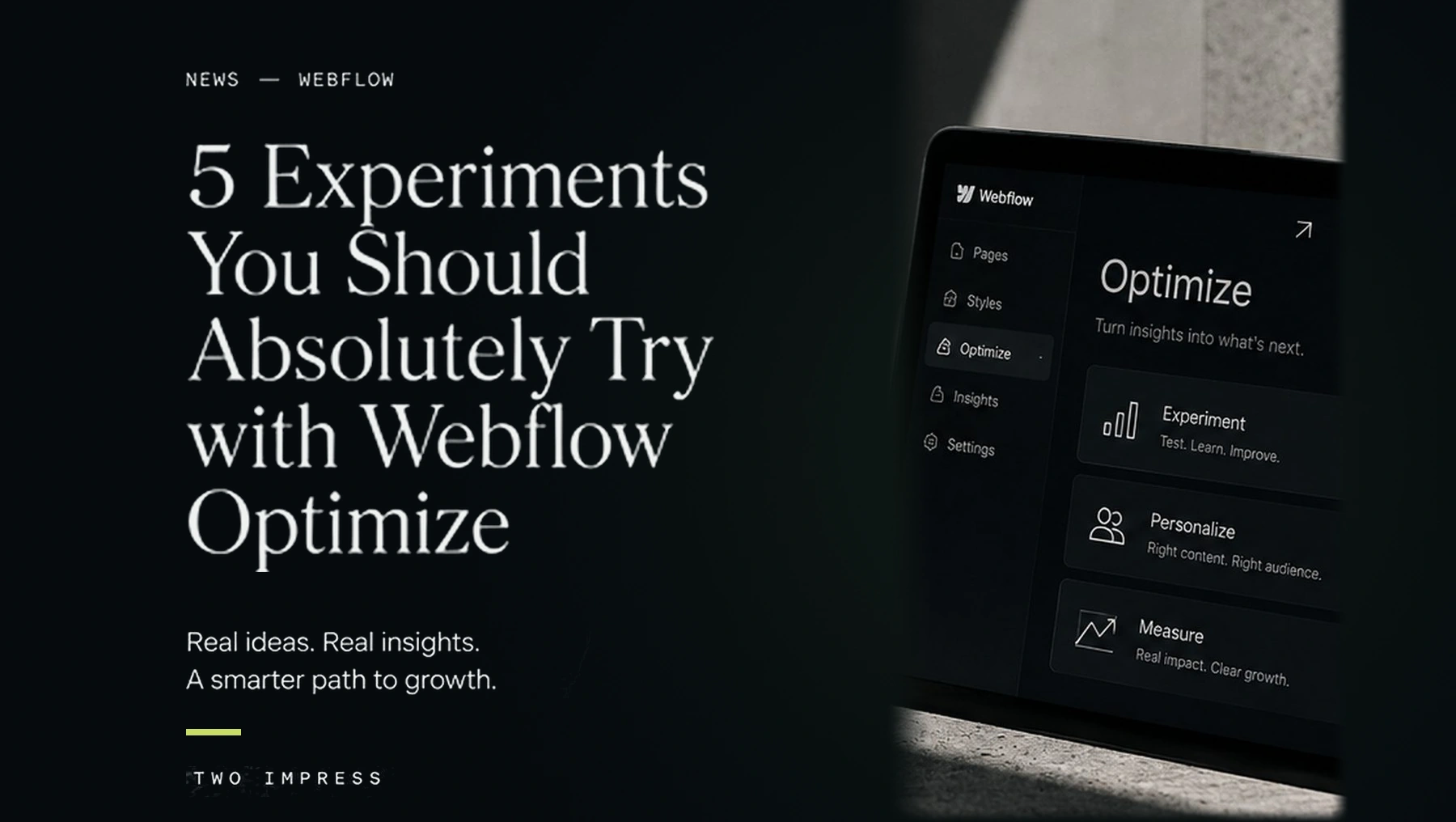
Before we get into the experiments, here's a refresher on the tools available inside Webflow Optimize:
These tools unlock a ton of flexibility. Now let’s dig into the kinds of experiments that really move the needle.
Testing Type: Traditional A/B
This is your bread-and-butter test. Simple, fast, and surprisingly powerful.
Try things like:
Why it matters:
Small changes often have big behavioral impact. The first few seconds on your homepage set the tone for the entire user journey. If your hero doesn’t speak clearly and directly, users bounce.
Why it's great for A/B testing:
This kind of test is clean and measurable—two versions, one variable, clear outcome. Plus, you can launch it in minutes.
Tip:
Start with your most-visited page. The more traffic, the faster you’ll learn and iterate.
Testing Type: AI-Optimized
Your homepage hero is prime real estate. So why settle for just one version?
With AI-optimized testing, you can launch 3–5 completely different hero sections and let Webflow Optimize learn which one performs best—with no need to pick a single winner.
Ideas to try:
Why it matters:
Your audience isn’t one-size-fits-all. Different versions might resonate more depending on traffic source, time of day, or even device type. This testing style helps your site adapt, instead of relying on guesswork.
Extra value:
You’re not limited to just visual changes. Swap CTAs, change copy, introduce subtle animations. The AI will sort it out for you behind the scenes.
Testing Type: Redirect Testing
This one takes things up a level. Create multiple full-page variants—each tailored to a specific type of user—and route them automatically using redirect rules.
Scenarios:
Why it matters:
Generic messaging doesn’t convert nearly as well as content that speaks directly to your visitor’s world. When a user sees images, language, and use cases that reflect their needs, they’re far more likely to take action.
Why it works well with Redirect Testing:
You’re not just swapping sections—you’re customizing the entire experience. Redirects let you segment based on campaign, UTM, cookies, or integrated data (like from a CRM or ABM tool).
Note:
This one may require some dev help or integration work, especially if you’re pulling in audience data. But once set up, it’s a conversion machine.
Testing Type: AI-Optimized
Forms are often the last barrier between a visitor and a conversion—and they’re also where most drop-offs happen. So optimizing them? Non-negotiable.
Test:
Why it matters:
People are sensitive to effort. Even one extra field or a confusing layout can reduce submissions. This type of testing helps you find the right balance of conversion + data collection.
Why AI-Optimize works best:
Different audiences respond to different formats. Webflow Optimize can serve the best layout dynamically—meaning more leads without guessing which version works.
Pro tip:
Tie this to form analytics to get deeper insights into drop-off points and completion rates.
Testing Type: AI-Optimized
Why stop at one experiment? Webflow Optimize makes it possible to run multiple tests at once, across a single page.
For example, on your homepage you could test:
That’s 36 combinations—and Webflow can learn which mix works best, automatically.
Why it matters:
Sometimes it's not a single element that drives success—it’s how all the parts work together. Multi-layered tests help you find those powerful combinations you might otherwise miss.
Bonus:
This approach turns your homepage into a living, learning engine that evolves over time based on real user behavior—not internal opinions.
The best part about Webflow Optimize? You don’t need to run one giant test every quarter. You can run smaller, smarter experiments all the time—and the platform makes it easy.
These five experiments are just a starting point. Once you get comfortable, you’ll start seeing opportunities to test everywhere—copy, layouts, media, forms, headlines, and full-page flows.
Want help setting one up or brainstorming what to test first? We’d be happy to walk you through it or even help design a few variations. Let’s chat.
SERVICE EXAMPLES